
youTorrent
Read our expert review of youTorrent for Windows. Discover how this lightweight torrent client by Bit Expert delivers fast, seamless media streaming.
A New Standard for Windows Torrenting
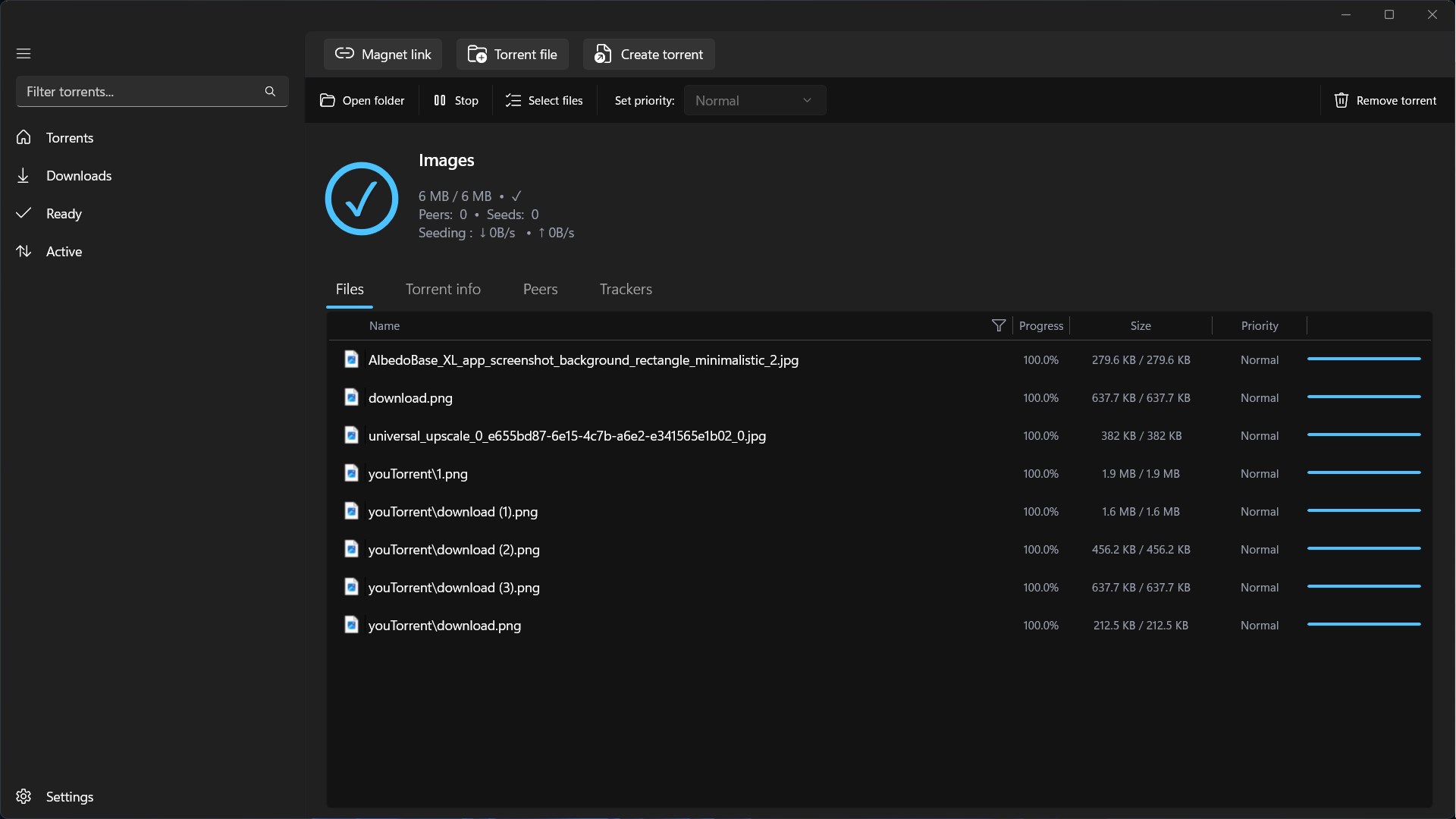
Finding a torrent client that balances raw speed with system efficiency can be a challenge. The youTorrent torrent client by Bit Expert addresses this directly, offering Windows users a highly optimized environment for managing their media transfers. Designed specifically for the PC platform, this application prioritizes a lightweight footprint so your system remains responsive even during heavy download queues.
Key Features of the youTorrent Torrent Client
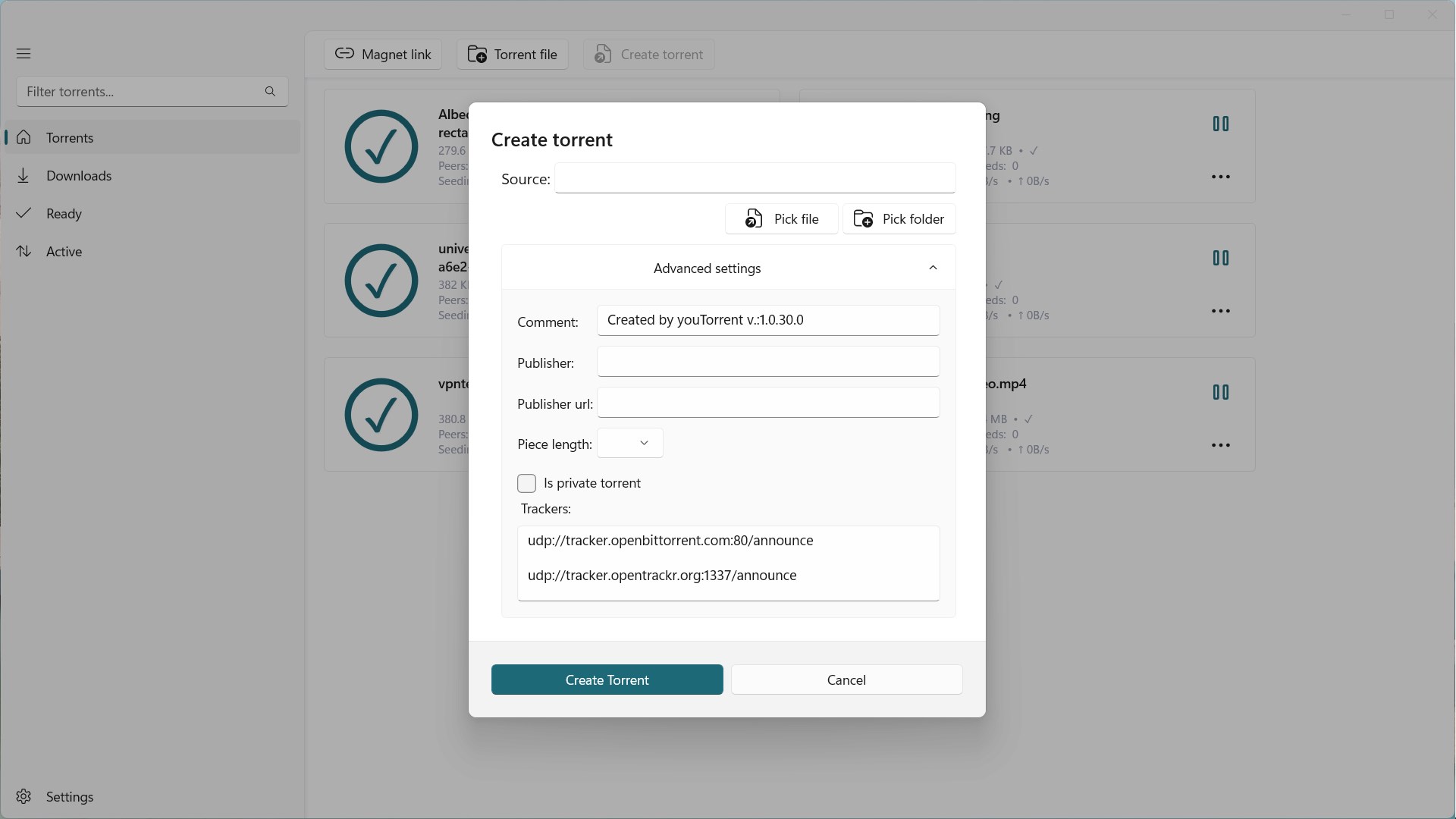
While many client applications overwhelm users with complex configurations, this software focuses on usability and performance. Here is what stands out in our analysis:
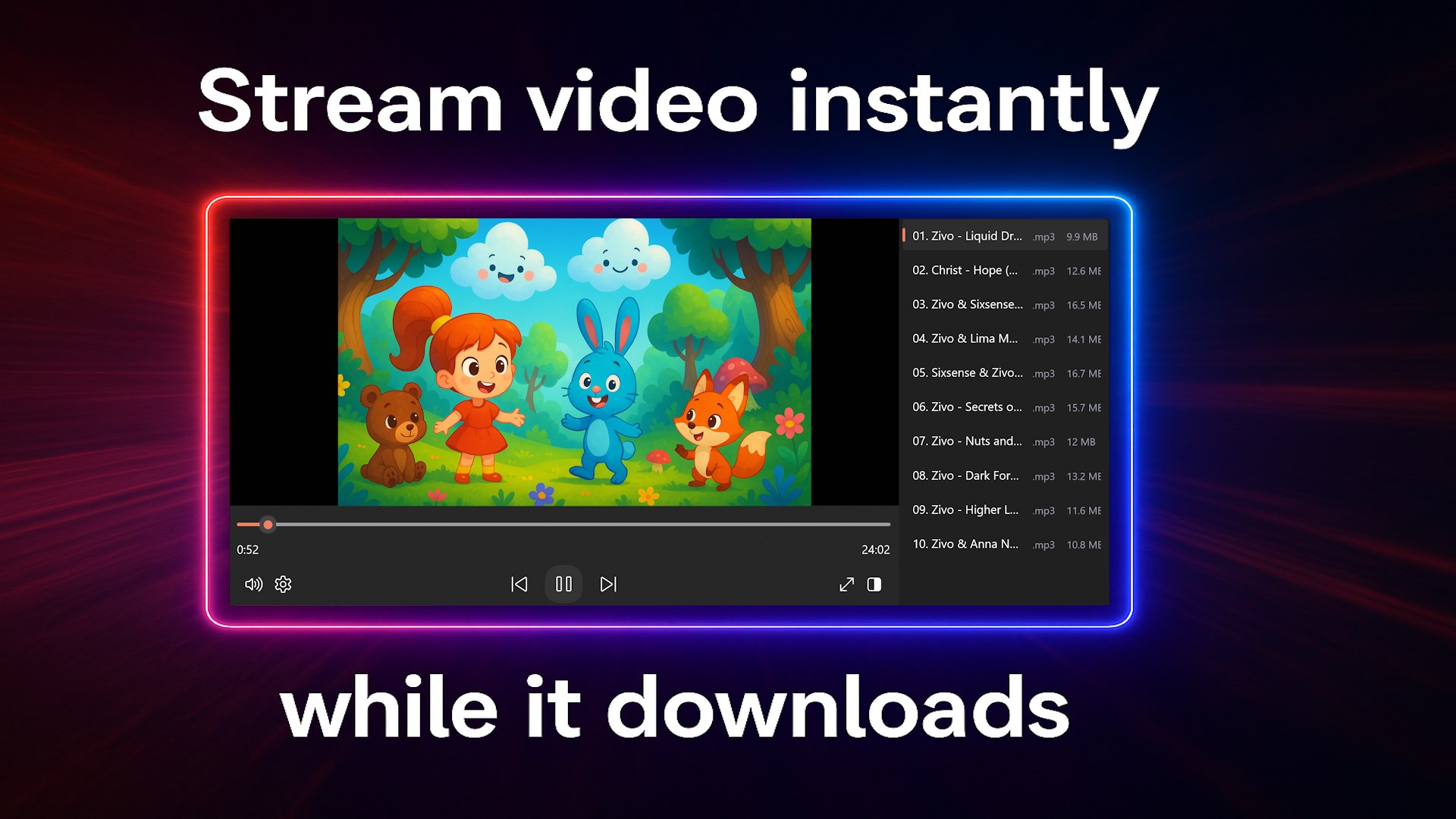
- Streamlined Media Playback: One of the most notable features is the ability to stream media files before they have finished downloading. This instant preview functionality is available as a 15-day trial, allowing you to verify content quality immediately.
- Optimized Resource Management: The client is engineered to consume minimal RAM and CPU power, making it ideal for background operation while gaming or working.
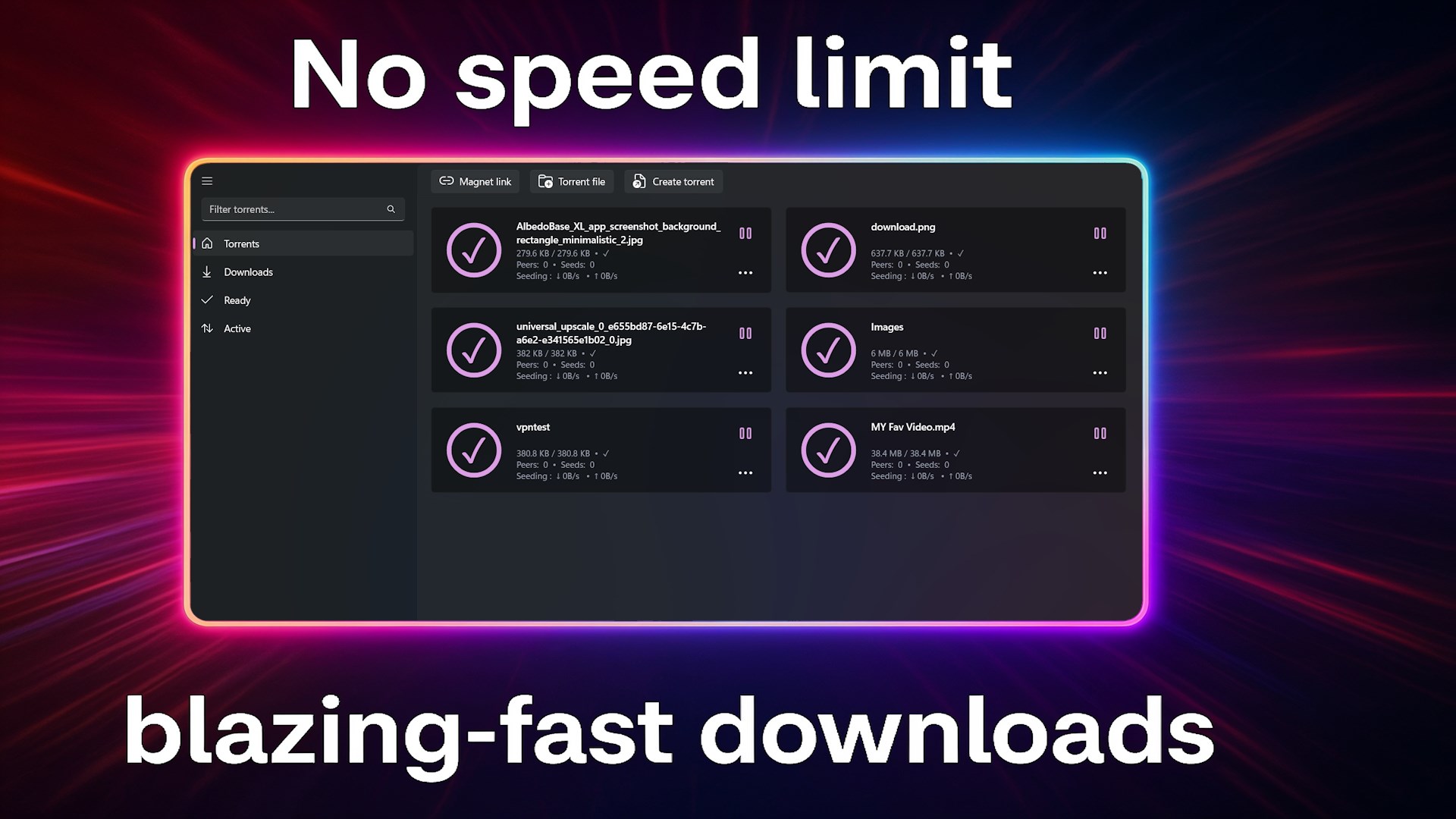
- Modern Interface with Dark Mode: A clean, clutter-free UI ensures that tracking your active transfers is intuitive. The built-in dark theme provides a comfortable viewing experience during late-night sessions.
Who is this Windows Client For?
The youTorrent torrent client is best suited for desktop users who want a straightforward, modern alternative to older, ad-heavy torrent software. It bridges the gap between minimalist utilities and feature-rich media managers, making it highly accessible for beginners while remaining powerful enough for daily download tasks.
Our Editorial Verdict
Bit Expert has successfully created an elegant, high-speed solution for the entertainment category on Windows. By focusing on essential features like instant streaming trials and a distraction-free dark interface, it removes the friction often associated with peer-to-peer file sharing. If you are looking to upgrade your desktop setup, you can find more details and evaluate the software yourself by visiting the official Microsoft Store page.