
DVD Media Player - Free
Read our comprehensive review of DVD Media Player - Free. Discover how this Windows tool decodes over 157 video formats using trusted VLC technology.
The Ultimate Solution for Universal Format Playback on Windows
If you have ever struggled to open an old video file or play a physical disc on your Windows PC, the DVD Media Player - Free video playback software might be the exact utility you need. Developed by CoolLeGet Inc, this lightweight entertainment application acts as a versatile media hub, designed to eliminate the frustration of missing codecs and unsupported file formats. By utilizing the highly reliable VLC decoding library, it ensures that almost any file you throw at it plays smoothly and without interruption.
Key Features of DVD Media Player - Free Video Playback
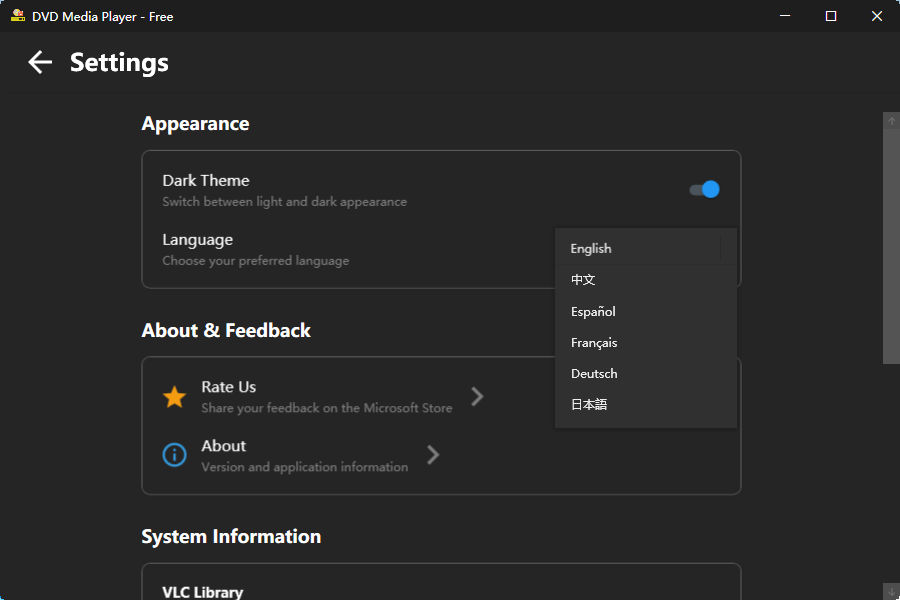
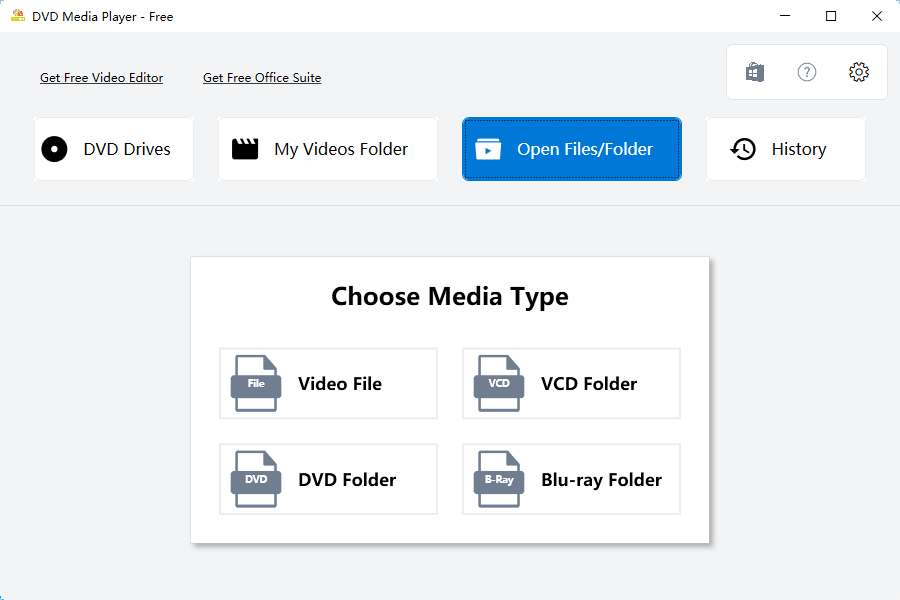
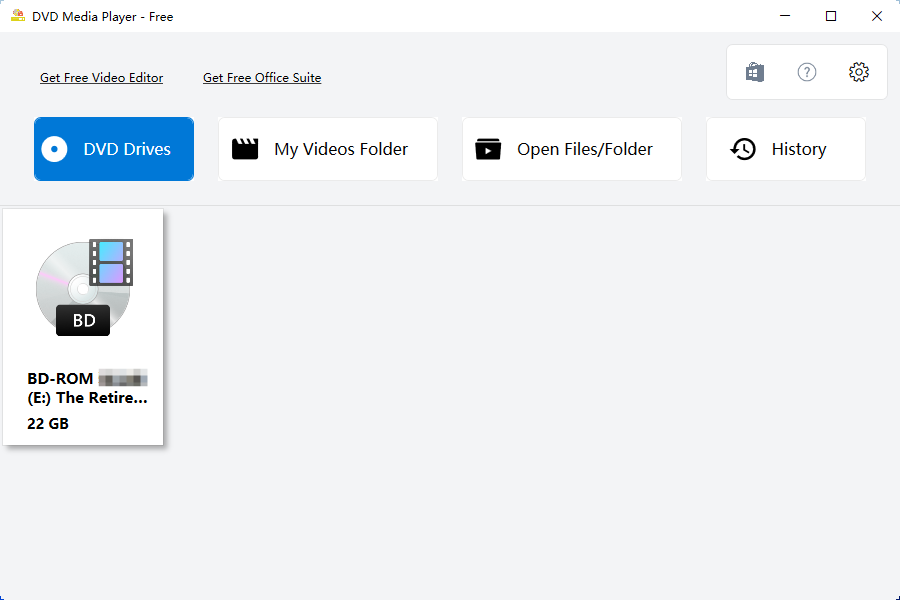
- Comprehensive Disc Compatibility: Seamlessly spin and read traditional physical media, including standard DVDs, VCDs, and high-definition Blu-Ray discs directly from your optical drive.
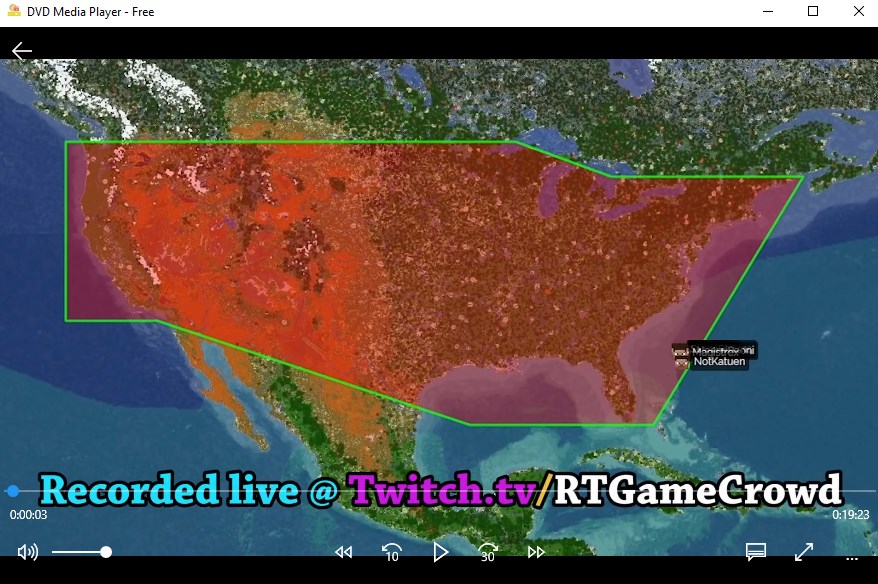
- Massive Format Support: Enjoy compatibility with over 157 distinct video and audio formats. Whether you are dealing with common containers like MP4, MKV, and AVI, or specialized extensions such as MOV, WAV, MPEG, MPG, OGG, RMVB, FLV, and 3GP, this player handles them all.
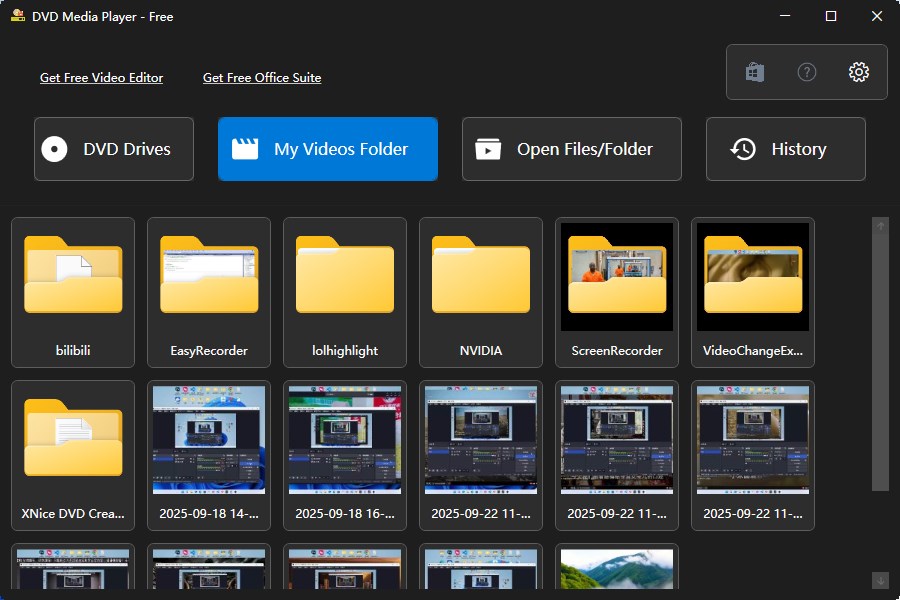
- ISO Image and Folder Access: You do not need to burn files to a physical disc to watch them; the application allows you to open raw ISO images and video folders directly from your local storage.
- Customizable Subtitles: Easily load external subtitle files to accompany your foreign films or accessibility needs.
Who Is This Media Player For?
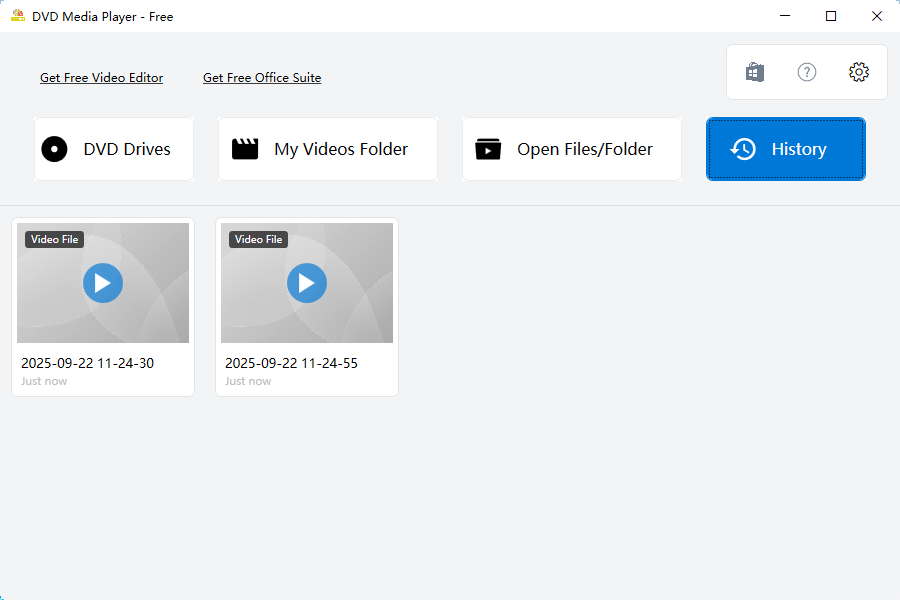
This software is tailored specifically for Windows users who want a simple, no-nonsense media solution. If you frequently handle diverse media types—ranging from legacy physical discs like VCDs to modern digital formats like MKV—the DVD Media Player - Free video playback tool provides a unified dashboard. Because it leverages the robust decoding power of the official VLC library, it serves as an excellent alternative to native Windows players that often require paid codec add-ons to function fully.
Performance and Usability
Operating within the entertainment category, the application focuses strictly on performance. The user interface is streamlined to prioritize quick loading times and minimal system resource consumption. By integrating the open-source VLC decoding backend, the player guarantees high-fidelity playback without requiring users to manually install external codec packs, making it highly secure and reliable for everyday desktop use.
Get the App Today
Ready to upgrade your home entertainment setup on Windows? You can read more user reviews and install the official version of the software by visiting the Microsoft Store.