
TW PLAY
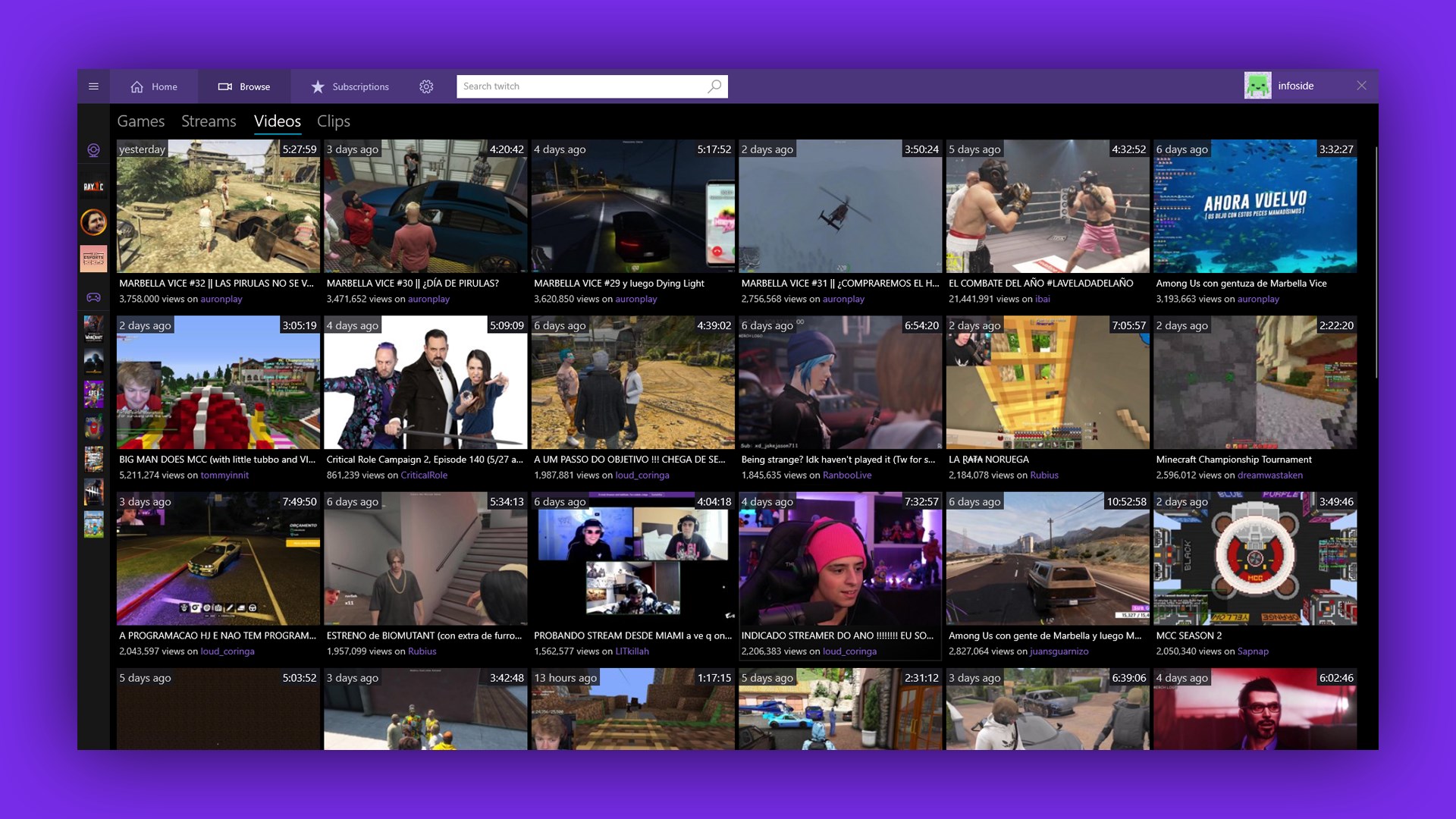
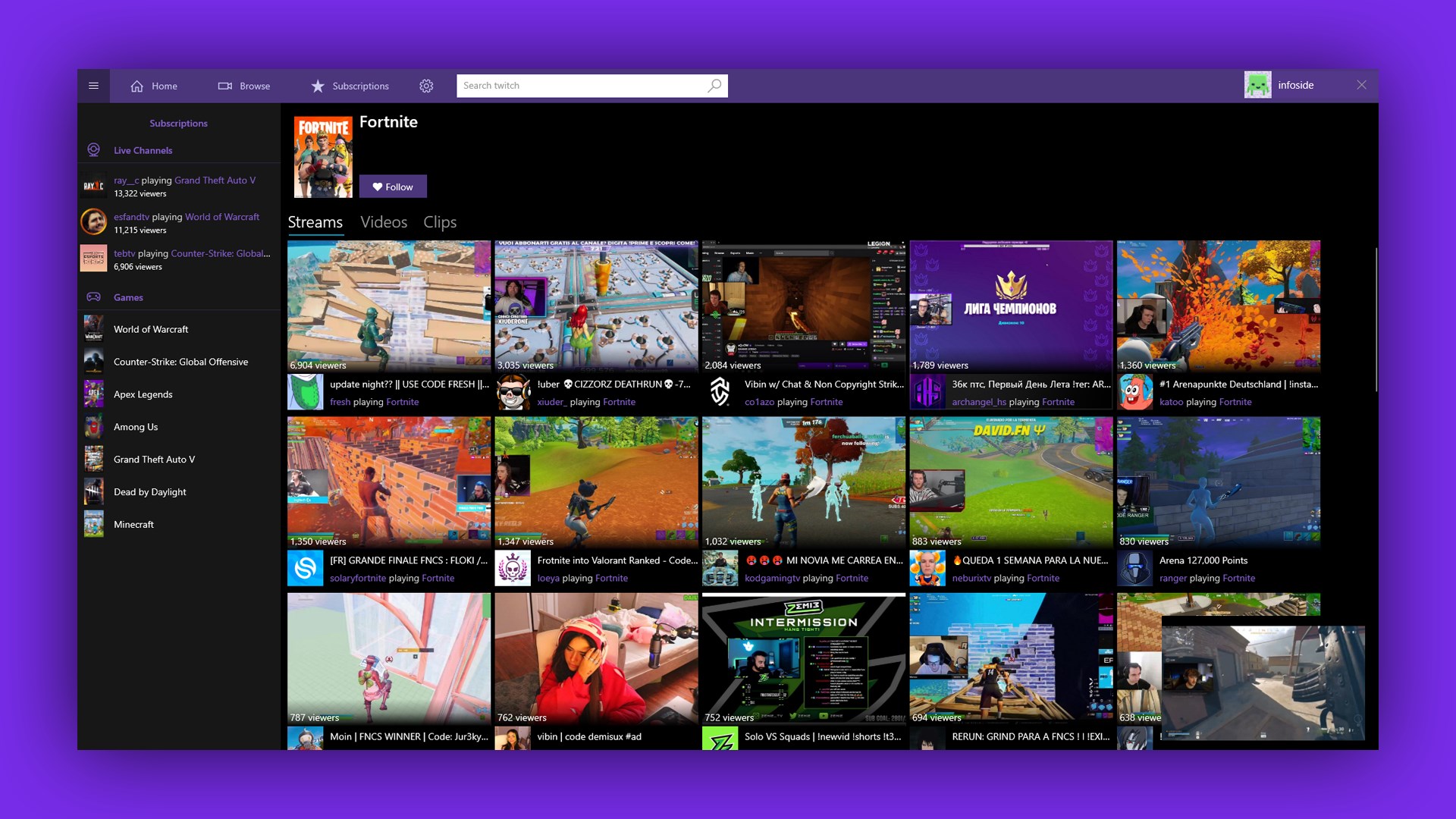
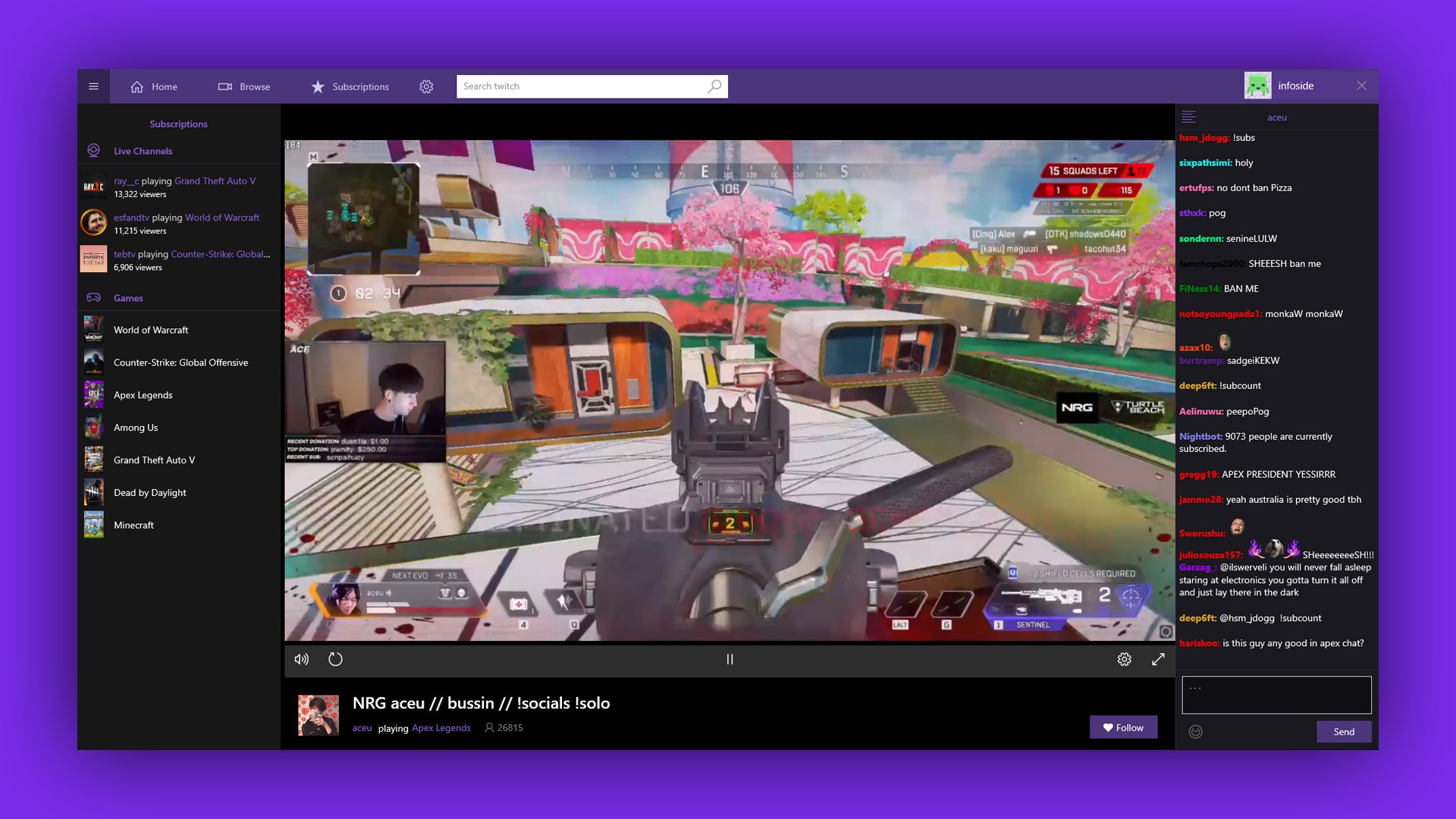
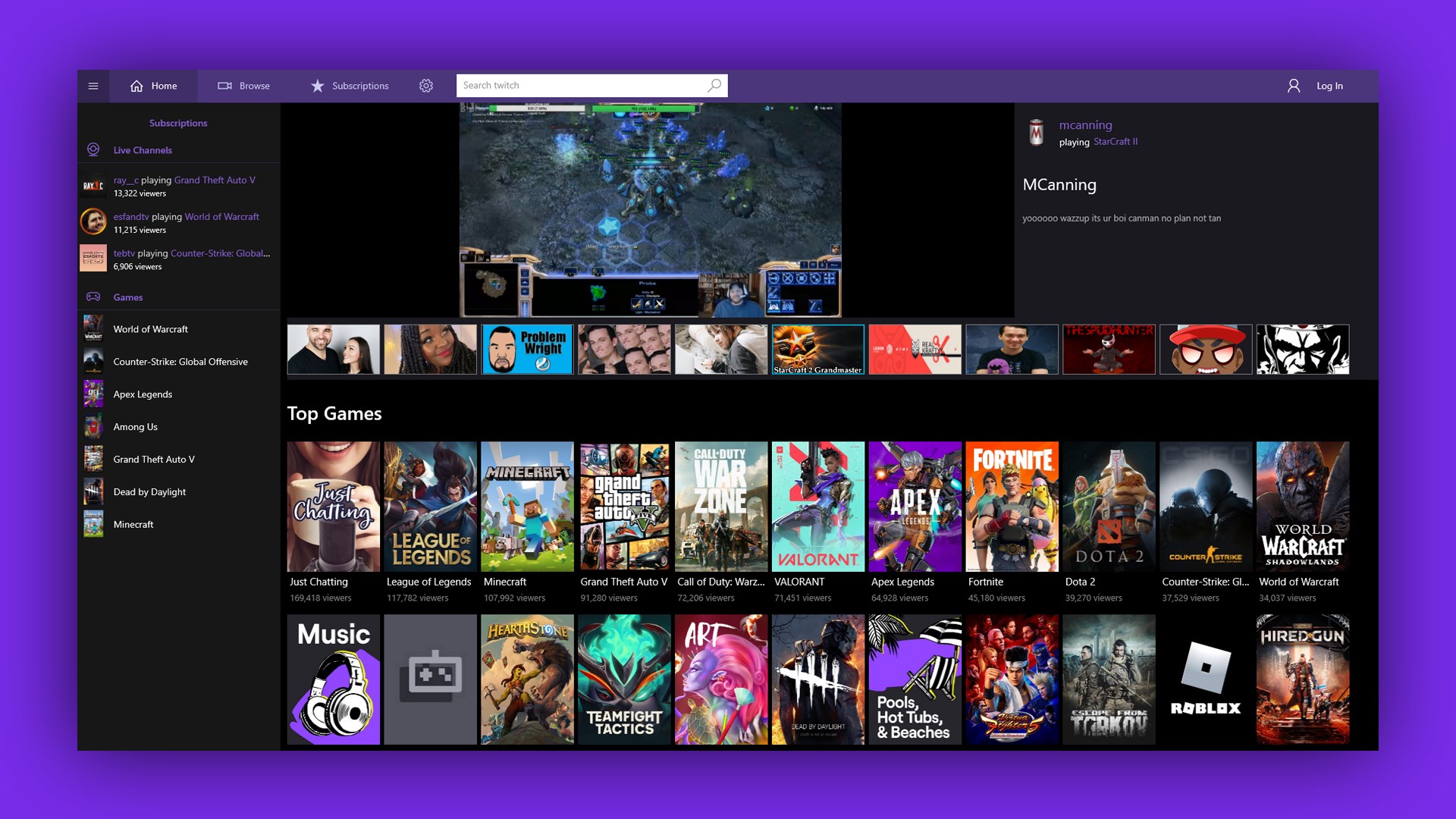
Discover TW PLAY, the Windows live streaming client for gamers and creators. Read our full review of its features, performance, and chat capabilities.
A Desktop Window Into Your Favorite Gaming Worlds
For modern gaming enthusiasts, watching live broadcasts is just as crucial as playing the games themselves. The TW PLAY live streaming app brings this dynamic world directly to your Windows desktop, providing a streamlined portal to watch elite players, interact with growing communities, and discover new creative talents.
Whether you want to track competitive strategies in complex multiplayer arenas or simply unwind with a creative art stream, this platform delivers a focused viewing environment. By moving the experience out of resource-heavy web browsers, it offers a dedicated space designed specifically for fans of live interactive media.
Key Features of the TW PLAY Live Streaming App
Navigating the platform is straightforward, with several core functions designed to enhance your daily viewing habits:
- Diverse Content Directory: Easily browse through live broadcasts of massive competitive titles like Overwatch and League of Legends, alongside specialized creative categories like live digital art.
- Real-Time Community Interaction: Connect instantly with content creators and other passionate viewers using the integrated live chat system.
- Desktop-Optimized Experience: Enjoy a native Windows interface built to handle high-fidelity streams smoothly without the overhead of open browser tabs.
- Anytime Accessibility: Tap into global broadcasts 24/7, ensuring there is always something engaging to watch regardless of your timezone.
Who Is This Streaming Companion For?
The TW PLAY live streaming app is tailored for individuals who value distraction-free viewing. If you frequently keep streams running on a second monitor while working or gaming, having a dedicated Windows application prevents browser clutter and helps maintain system performance. It is equally suited for esports fans who want to follow high-stakes tournaments and casual viewers looking to discover niche art channels or chat with close-knit online communities.
Our Editorial Verdict
Good Media Group has created a lightweight, highly functional entertainment hub that does exactly what it promises. It successfully removes the friction from finding and enjoying live gameplay and creative broadcasts. If you are looking to elevate your desktop viewing setup, we highly recommend checking out this application. You can find more details and download the client officially on the Microsoft Store.