
IPTV Player - Online Stream
Read our comprehensive review of IPTV Player - Online Stream for Windows. Discover how this media player organizes global live streams, films, and news.
The Modern Way to Organize Your Global Entertainment
Imagine coming home after a long day, wanting to catch up on international news, watch a live sports match, or settle in for a movie, only to find yourself jumping between disjointed websites and clunky media players. For Windows users, IPTV Player - Online Stream offers a streamlined solution to this common frustration. Developed by QXOLD2.App, this dedicated entertainment tool acts as a centralized hub for your internet-sourced streaming media, organizing global broadcasts into clean, easily navigable categories.
What is IPTV Player - Online Stream?
At its core, IPTV Player - Online Stream is a Windows-based application designed to aggregate and play free, public-facing IPTV streams from around the world. Instead of manually searching the web for stream URLs, this software organizes channels by genre and region, giving you instant access to films, global news, and live sports broadcasts in multiple languages. It is built specifically for users who want a simple, lightweight interface to manage their streaming media without complicated setups.
Key Features and Functionality
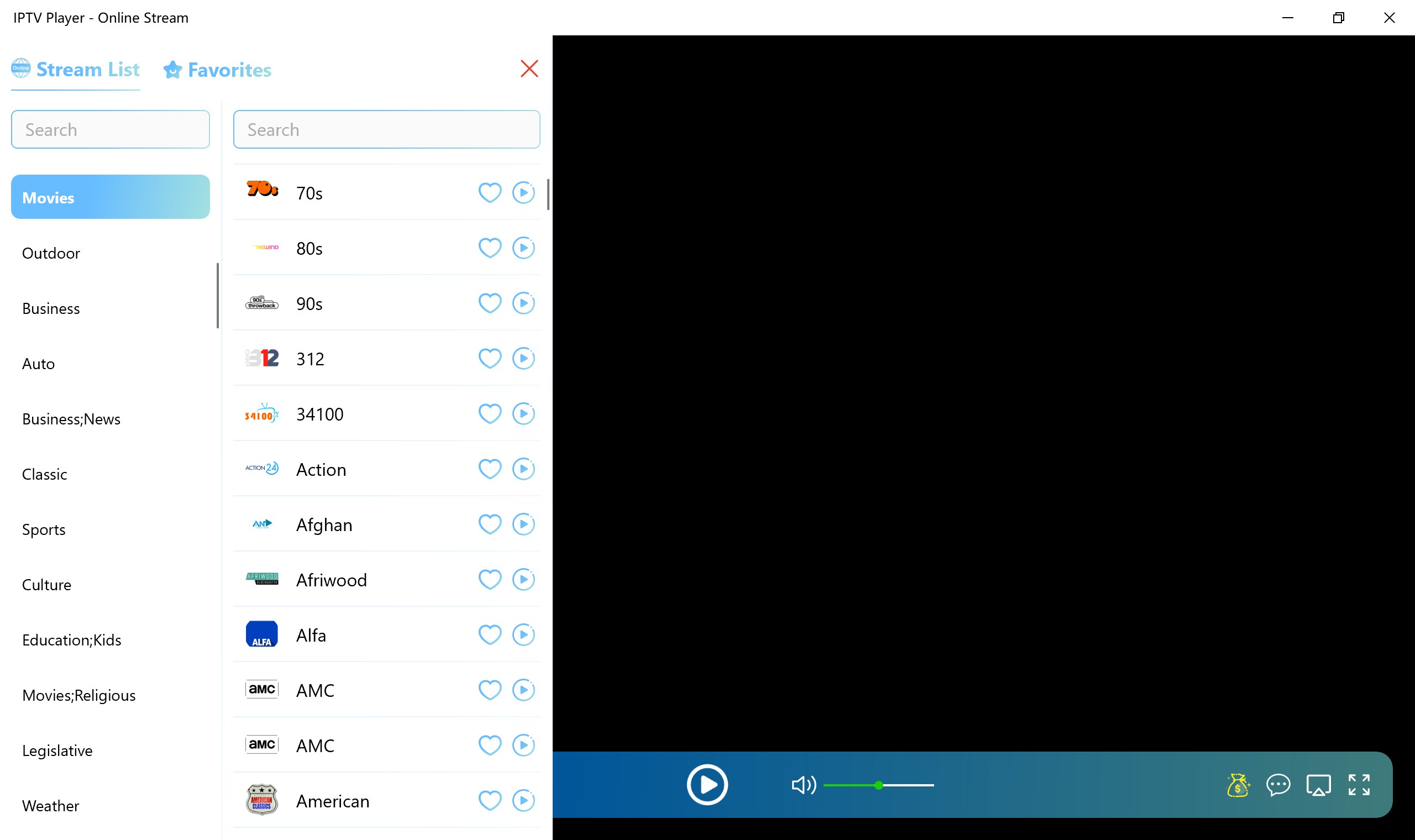
- Structured Content Categories: Channels are automatically sorted into intuitive tabs such as News, Sports, and Movies, saving you time when looking for specific content.
- Global Language Support: Access satellite streams from various countries and regions, making it an excellent tool for expats or language learners.
- User-Friendly Navigation: The interface is designed for simplicity, allowing users of all technical levels to browse and play channels with just a few clicks.
- Legitimate Internet Sourcing: The app aggregates publicly available streams from the web, providing a secure and centralized environment for online viewing.
- Flexible Access Tiers: Users can explore the app with a 1-day free trial (which includes ad-free viewing but excludes TV casting), or opt for the VIP tier for unlimited usage and full TV casting support.
How the Streaming Player Works
Getting started with this application is remarkably straightforward, requiring no advanced network configuration:
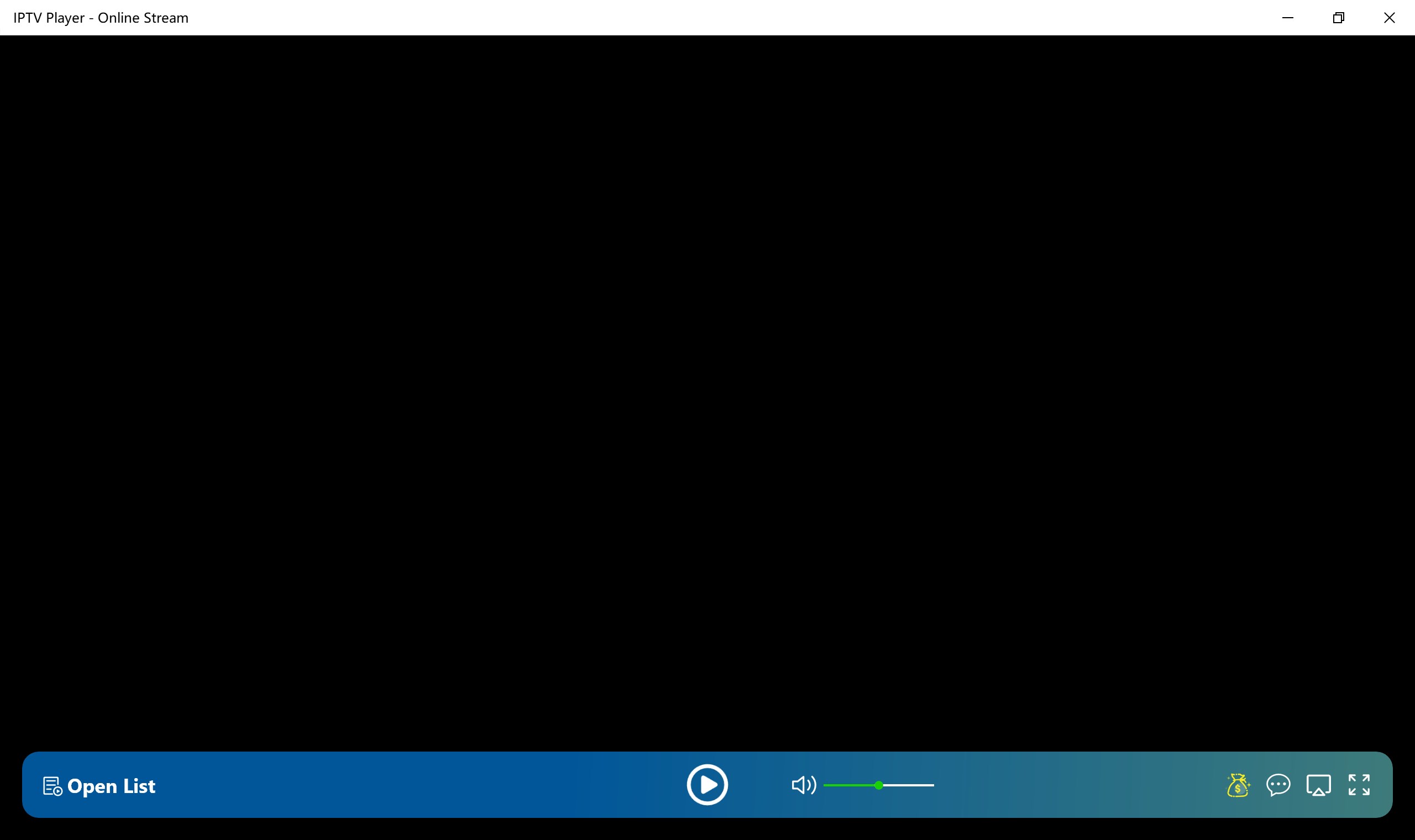
- Launch the application on your Windows device and click the Open List button to load the aggregated media directory.
- Browse through the curated categories (such as sports, news, or films) and select the one that matches your current interest.
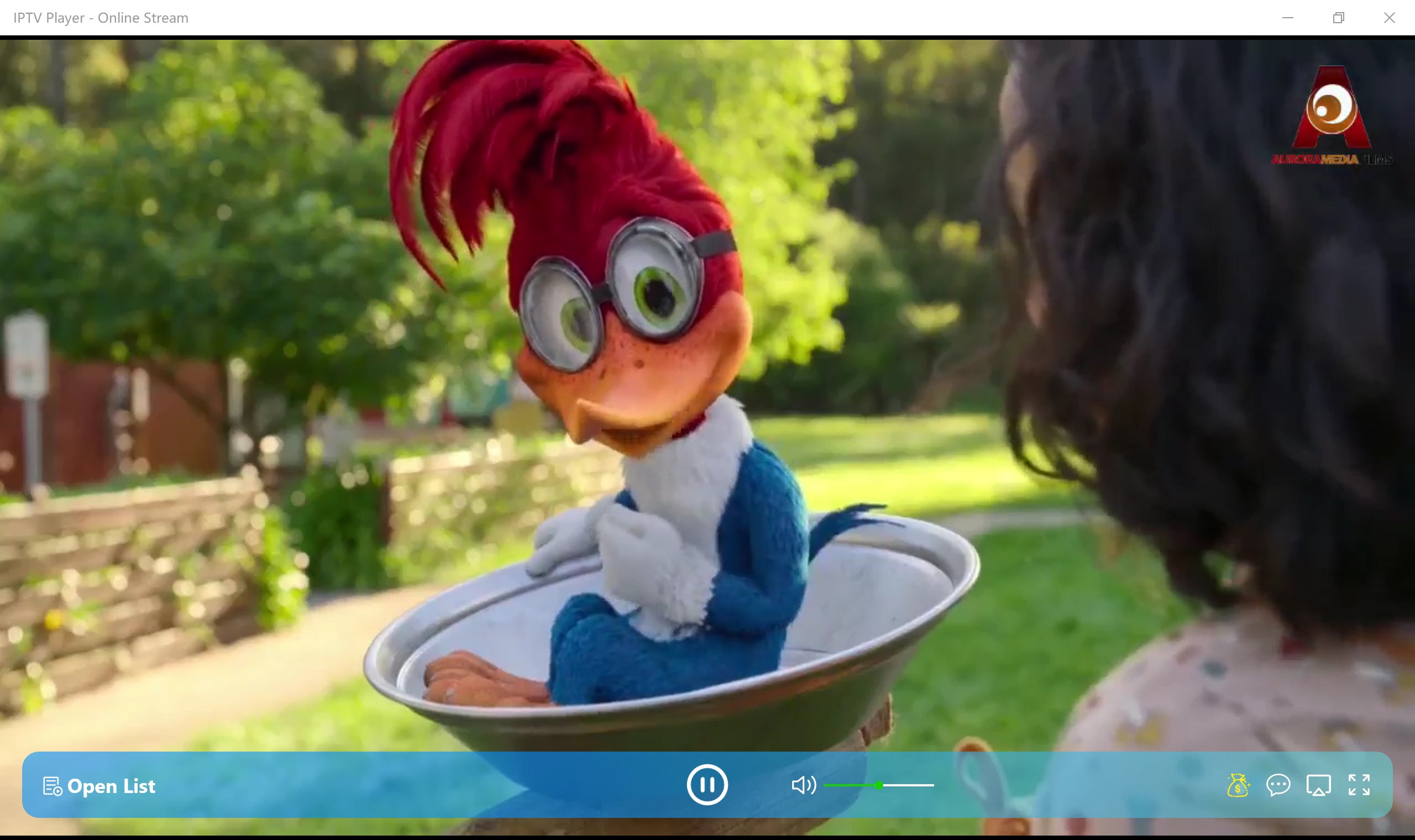
- Click on your desired streaming channel from the list, hit the play button, and enjoy instant playback.
Is It Right for You?
If you are looking for a straightforward, ad-free environment to watch international broadcasts on your PC, IPTV Player - Online Stream delivers a highly focused experience. It eliminates the hassle of browser-based streaming by consolidating diverse feeds into a single desktop application. While the free tier serves as a great introduction, power users looking to cast content directly to their television screens will find great value in the VIP upgrade.
Ready to elevate your home entertainment setup? You can explore the application details, read user reviews, and acquire the software by visiting the official Microsoft Store page.