
RClone Manager
Read our comprehensive review of RClone Manager, the ultimate graphical interface for managing cloud storage accounts on Linux without command-line hassle.
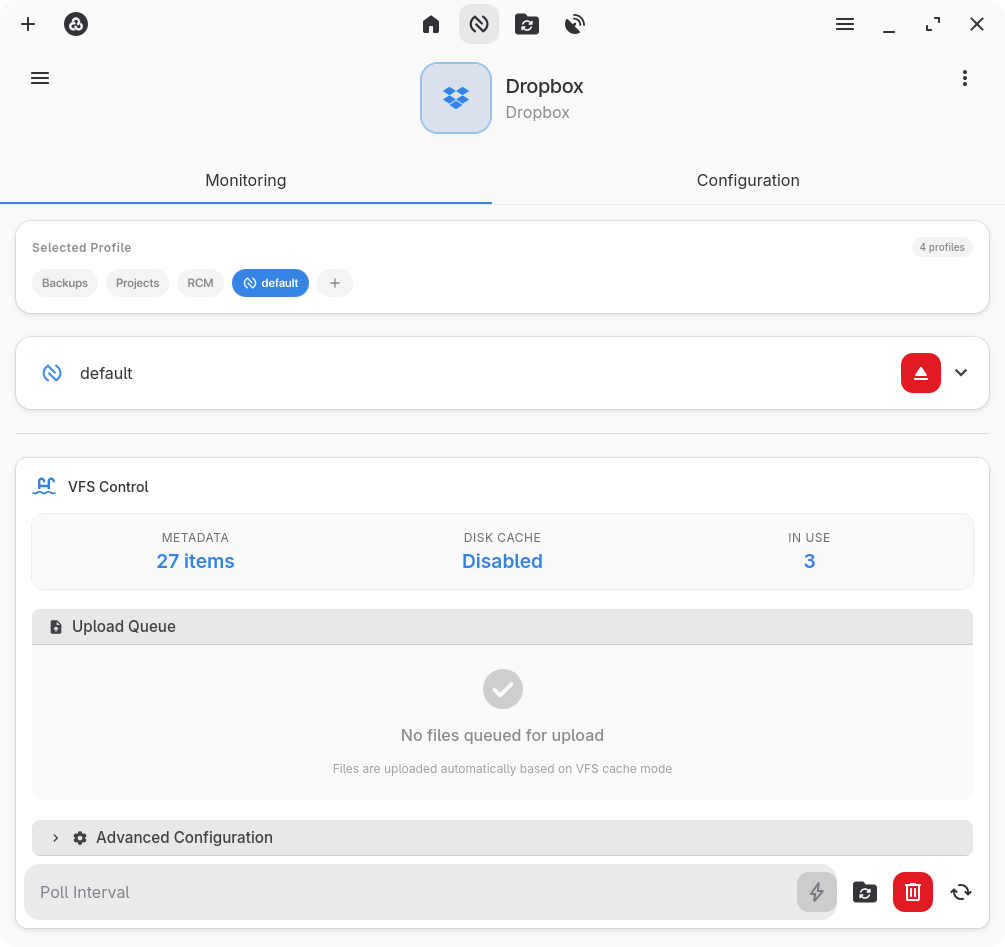
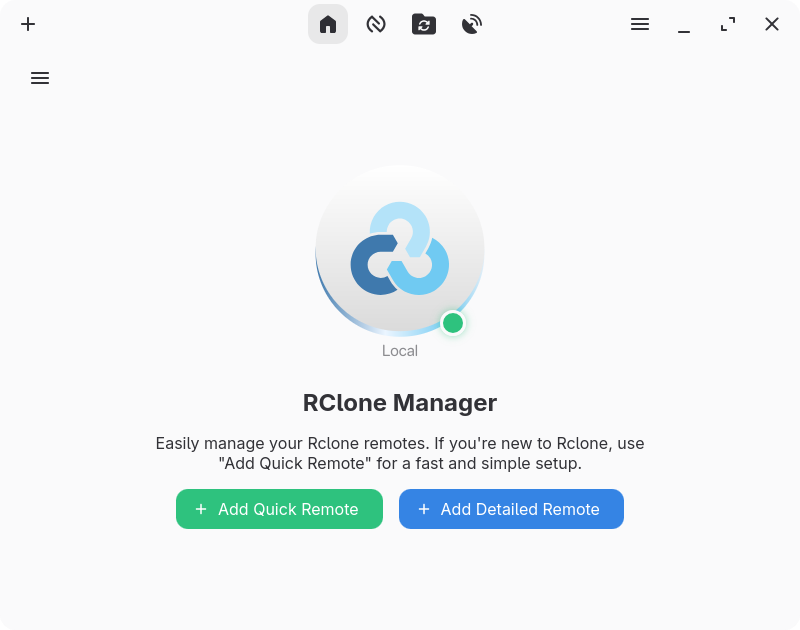
Imagine needing to transfer sensitive project archives from Google Drive to an S3 bucket, or backing up your local system to OneDrive, only to realize you have to wrestle with complex command-line syntax. For many Linux users, managing multiple cloud backends via terminal scripts is a chore. The RClone Manager cloud storage GUI solves this exact problem by wrapping the immense power of the rclone engine into a polished, user-friendly graphical interface.
What is the RClone Manager Cloud Storage GUI?
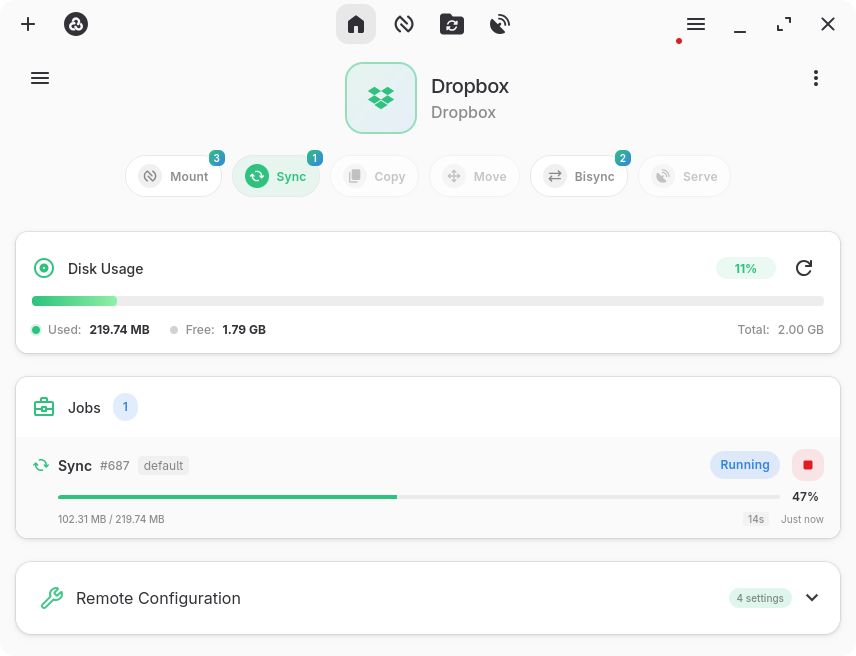
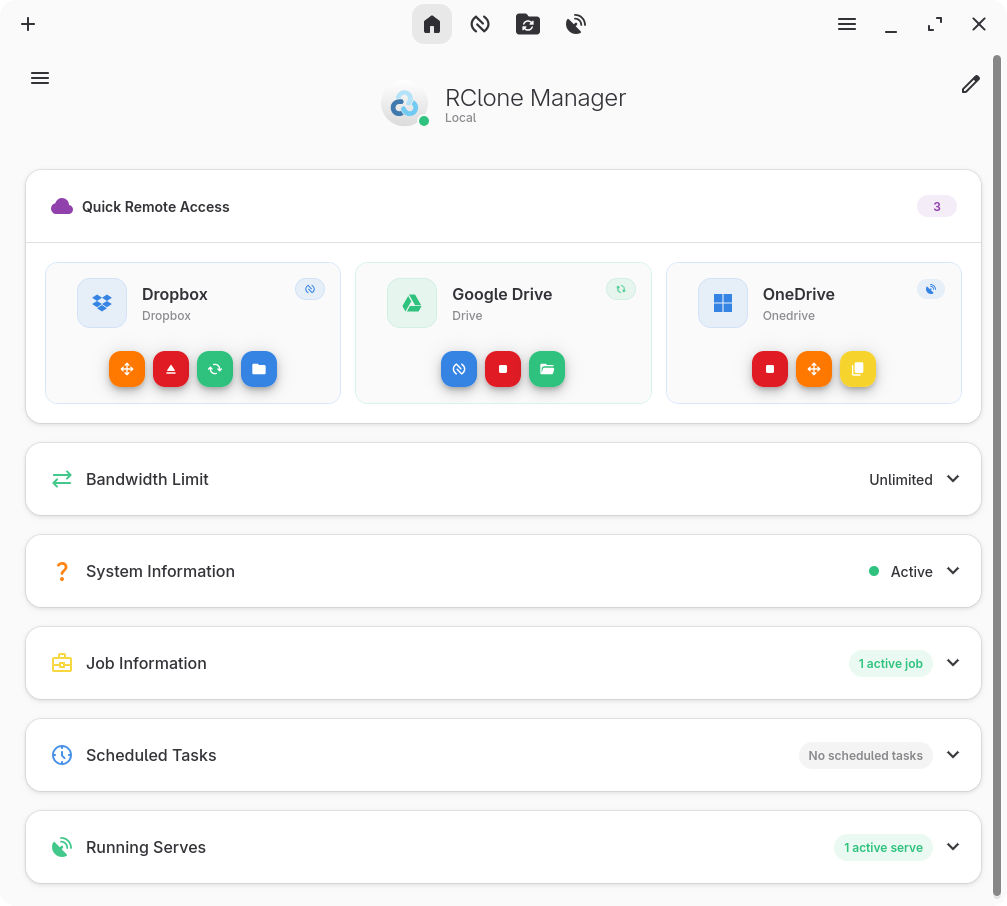
Developed by Zarestia Dev, this application is a dedicated utility designed for the Linux platform. It acts as a visual bridge for the industry-standard rclone tool, allowing users to coordinate, browse, and sync files across dozens of different cloud providers without ever opening a terminal. Whether you are a system administrator handling complex backups or a casual user organizing personal media, it streamlines your entire cloud workflow.
Key Features & Capabilities
- Comprehensive File Management: The built-in file manager lets you effortlessly browse, copy, move, rename, delete, and preview your remote files.
- Rich Media Previews: Instantly preview images, videos, PDFs, audio files, and even code documents with full syntax highlighting directly within the app.
- Local Drive Mounting: Mount your remote cloud folders as if they were local drives on your Linux system for seamless access.
- Automated Task Scheduling: Set up precise sync, copy, move, or bisync operations using flexible cron expressions.
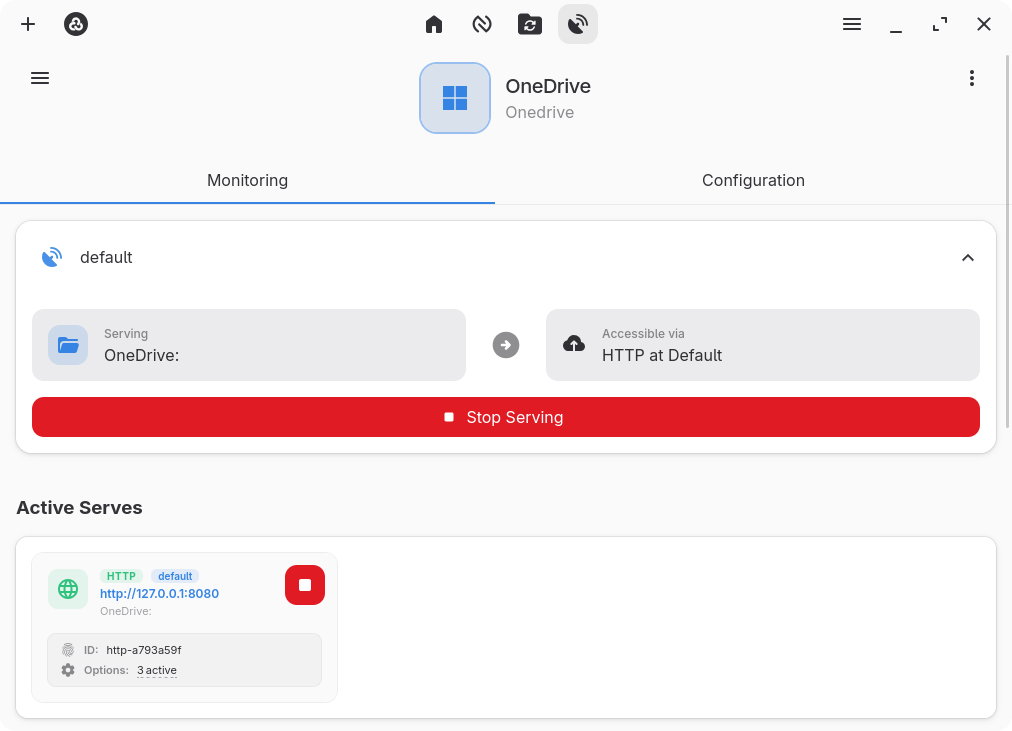
- Network Sharing: Serve your remote storage instantly over HTTP or WebDAV protocols.
- Secure Architecture: Benefit from encrypted configuration storage alongside seamless backup and restore options.
Streamlined Troubleshooting
To ensure a smooth experience, the application offers built-in diagnostics. If you encounter an "Invalid binary" warning during your initial setup, it typically points to an outdated system binary. You can easily resolve this by navigating to Settings → Core, clearing the binary path, and selecting "Save & Reset Engine" to let the application automatically install the correct, up-to-date version.
An Essential Tool for Linux Power Users
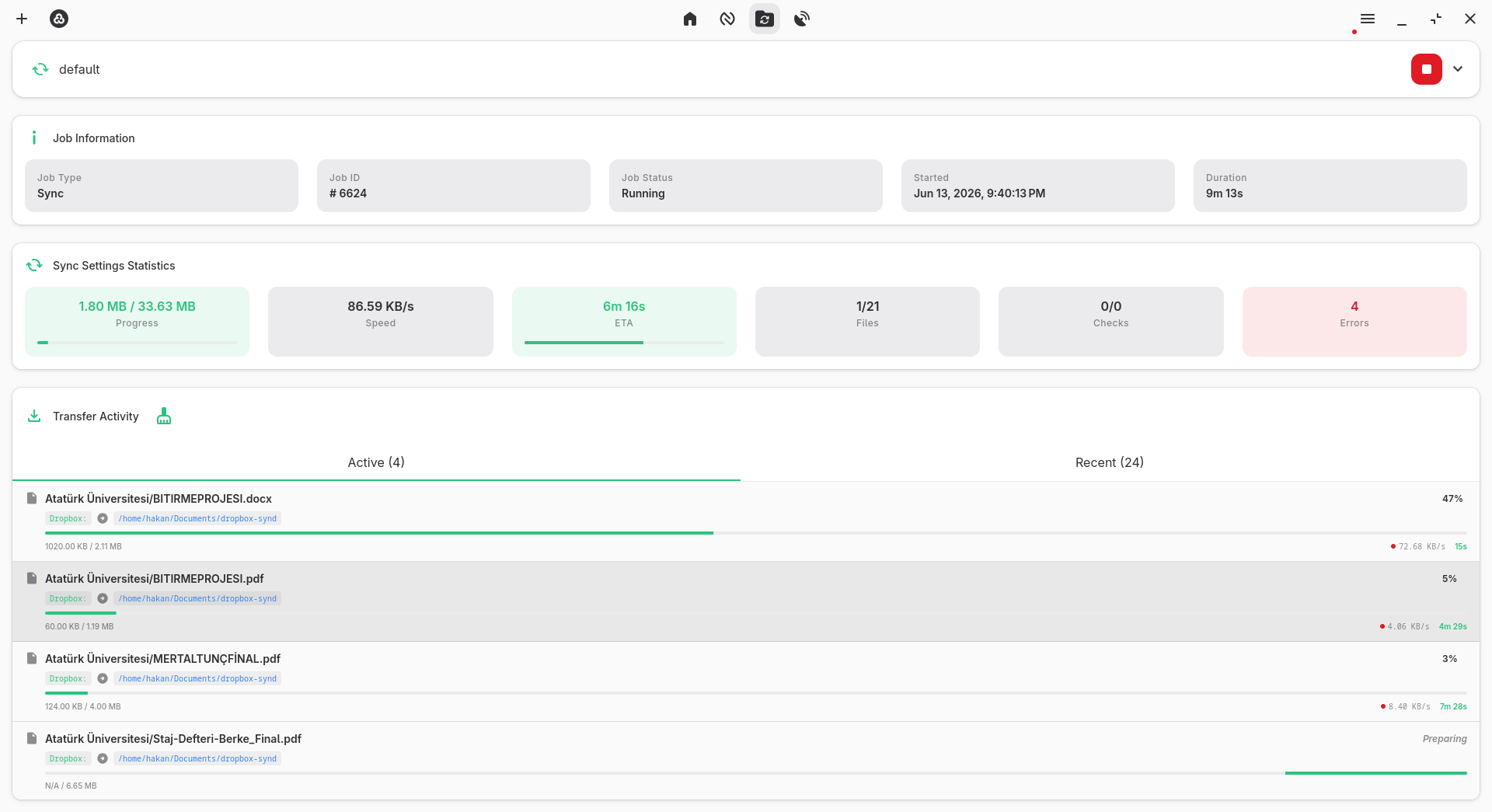
By combining robust system tray integration for live transfer monitoring with professional dark and light themes, this tool turns complex cloud management into a visual, stress-free experience. If you are ready to simplify your cloud workflows, head over to the official Flathub store page to explore RClone Manager and integrate it into your Linux setup today.