

AudioRelay Review: Wireless Audio Streaming Guide
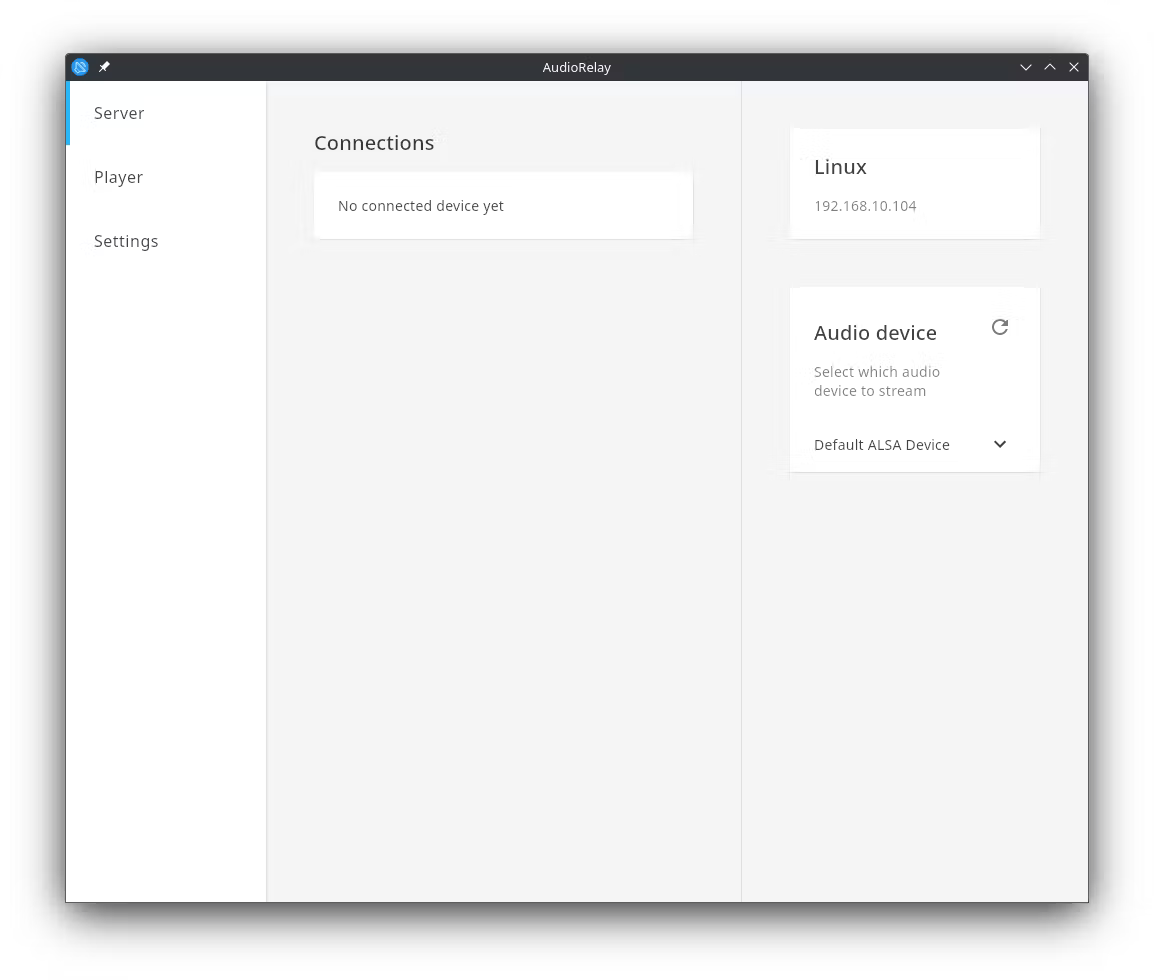
Explore our AudioRelay review to see how this wireless audio streaming software turns your mobile device into a high-quality speaker for your Linux PC.
In the modern workspace, managing sound across multiple devices can be a challenge. With AudioRelay wireless audio streaming, you can bridge the gap between your Linux computer and your mobile devices, transforming how you consume media. Whether you want to route desktop audio to a mobile device or utilize hardware you already own in new ways, this lightweight utility offers a robust, practical solution for everyday audio management.
Real-World Uses for AudioRelay Wireless Audio Streaming
Instead of investing in expensive wireless headsets or dedicated home audio transmitters, AudioRelay allows you to repurpose your existing mobile hardware. Here is what you can actually accomplish with this versatile setup:
- Create a Wireless Headset: If you need to walk away from your Linux workstation but want to keep listening to a meeting, podcast, or video, you can cast your desktop system audio straight to your phone. Simply plug your standard wired headphones into your phone, and you have an instant wireless setup.
- Use Your Phone as a Mic: Need to jump on a quick voice call on your PC but lack a dedicated microphone? You can configure your mobile device to act as an external mic input for your computer.
- Multi-Room Listening: You can broadcast your PC audio to multiple mobile devices simultaneously. This makes it incredibly easy to play music in different rooms or share a movie soundtrack with someone sitting next to you without sharing earbuds.
Optimized Performance and Connectivity Options
A common issue with wireless audio solutions is lag, which can ruin the synchronization between video and sound. AudioRelay addresses this by sending audio in real-time, delivering lower latency than standard Bluetooth connections. For users who require absolute precision—such as during competitive gaming or video editing—the software supports a direct USB tethering connection. This wired alternative minimizes latency to the absolute minimum while ensuring a highly stable stream.
Is It Right For You?
Developed by Asapha Halifa, this communication utility is particularly beneficial for Linux desktop users seeking a straightforward, lightweight audio redirection tool. Please note that this Linux package is an unofficial wrapper designed to make installation seamless, and is not directly supported or verified by the original developer.
If you are looking to declutter your desk, bypass Bluetooth distance limitations, or simply make better use of your mobile devices as audio accessories, this application is highly worth exploring. To experience AudioRelay wireless audio streaming firsthand, head over to the official Flathub store page to view the application and integrate it into your Linux setup.