
Kingpin Private Browser

Discover how the Kingpin Private Browser for Mac keeps your online activities confidential with permanent incognito mode and built-in ad blocking.
Why Keep a Dedicated Private Browser on Your Mac?
The Kingpin Private Browser is a specialized, security-focused web browser designed specifically for macOS users who require immediate, uncompromising privacy. Unlike traditional browsers that require you to manually open private windows or constantly clear your history, this application operates in a perpetual state of incognito. Developed by Limelick Software s.r.o., it serves as a highly secure secondary browser for sensitive tasks, financial transactions, or simply keeping your daily digital footprint entirely contained.
Key Features of the Kingpin Private Browser
When you want to browse without leaving a trace, this utility provides several practical tools to ensure your data remains your own:
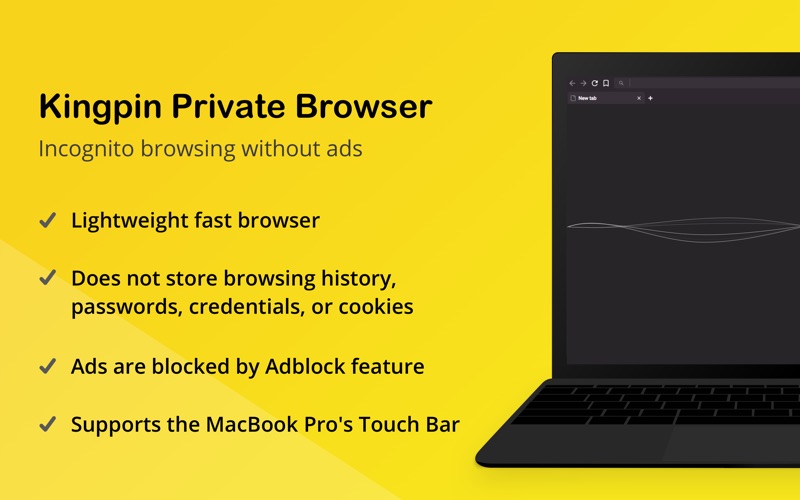
- Permanent Incognito Mode: The browser never stores your browsing history, autocomplete URLs, cookies, or login credentials. Once you close your session, your digital footprint is instantly wiped.
- Always-On Ad Blocking: Say goodbye to intrusive banners and tracking scripts. By blocking ads natively, web pages load faster, and ad networks cannot build behavioral profiles of your interests.
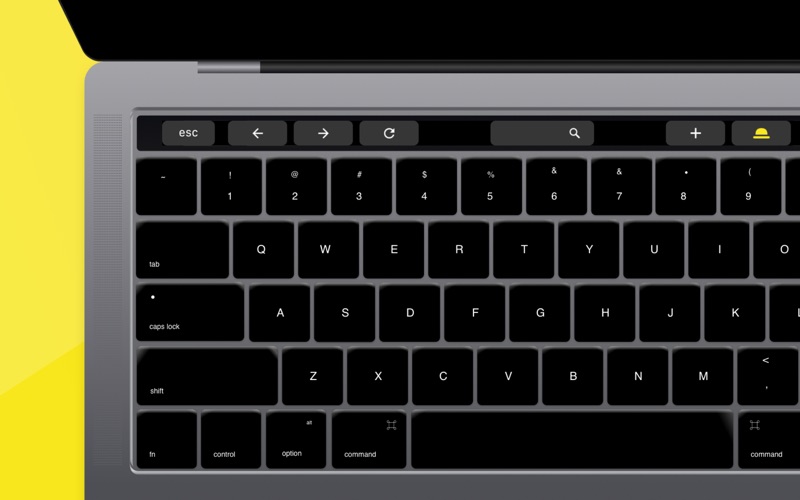
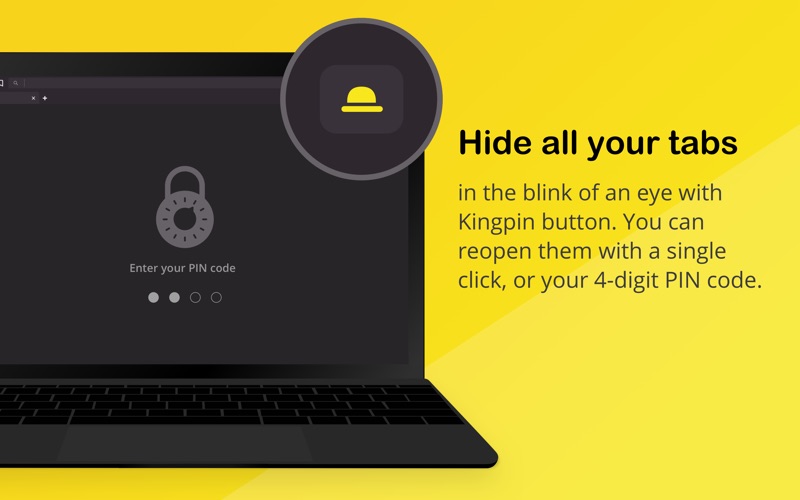
- The Quick-Hide Kingpin Button: If you need to secure your screen instantly, a single click hides all open tabs behind a secure 4-digit PIN code. You can restore your session only when it is safe to do so.
- Secure Financial Transactions: By preventing session hijacking and cookie tracking, it provides a much cleaner environment for online banking and shopping.
Practical Use Cases for Everyday Privacy
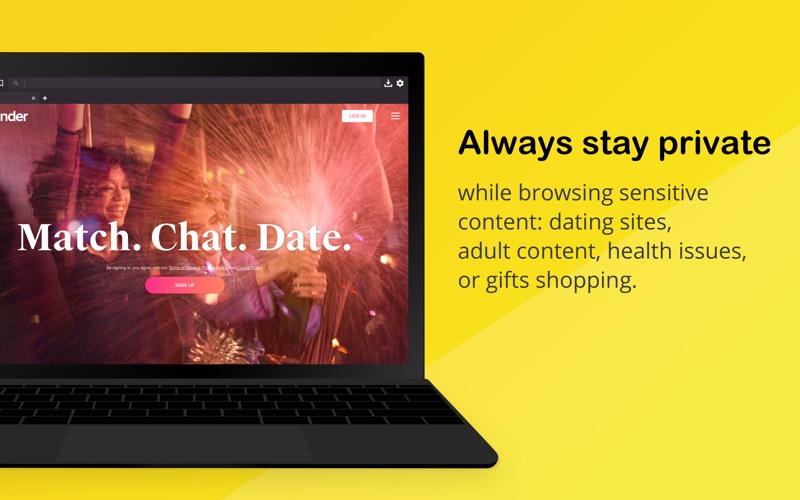
How does the Kingpin Private Browser fit into your daily workflow? It is highly effective as a companion browser alongside your primary web tool. Use it when researching sensitive medical topics, shopping for gifts without spoiling the surprise via retargeted ads, or logging into personal accounts from a shared workstation. Because Google is configured as the default search engine (with the option to switch to DuckDuckGo in the settings menu), you still get highly relevant search results without compromising your local system privacy.
Is It Right for You?
If you find yourself constantly clearing your cache, opening temporary incognito tabs, or worrying about shoulder-surfing, this tool offers a robust, zero-configuration solution. It does not try to be an all-in-one productivity suite; instead, it focuses entirely on being a lightweight, highly secure gateway to the web.
To experience this streamlined approach to macOS privacy firsthand, you can find the official version of the Kingpin Private Browser directly on the Mac App Store.