Firmware
Read our comprehensive review of Firmware, the essential Linux utility for safe, streamlined hardware updates and downgrades via fwupd.
The Challenge of Linux Hardware Management
Imagine booting up your Linux workstation only to find your web camera flickering, your docking station behaving erratically, or a critical security vulnerability announced for your system's controller. In the past, flashing device firmware on Linux often required complex command-line sequences or even booting into a separate operating system. Thankfully, developer Richard Hughes created Firmware, a dedicated GUI utility designed specifically to simplify this critical maintenance path.
By acting as a clean, graphical front-end for the robust fwupd daemon, this application takes the guesswork out of keeping your machine's physical components secure and fully operational.
Streamlined Device Control and Maintenance
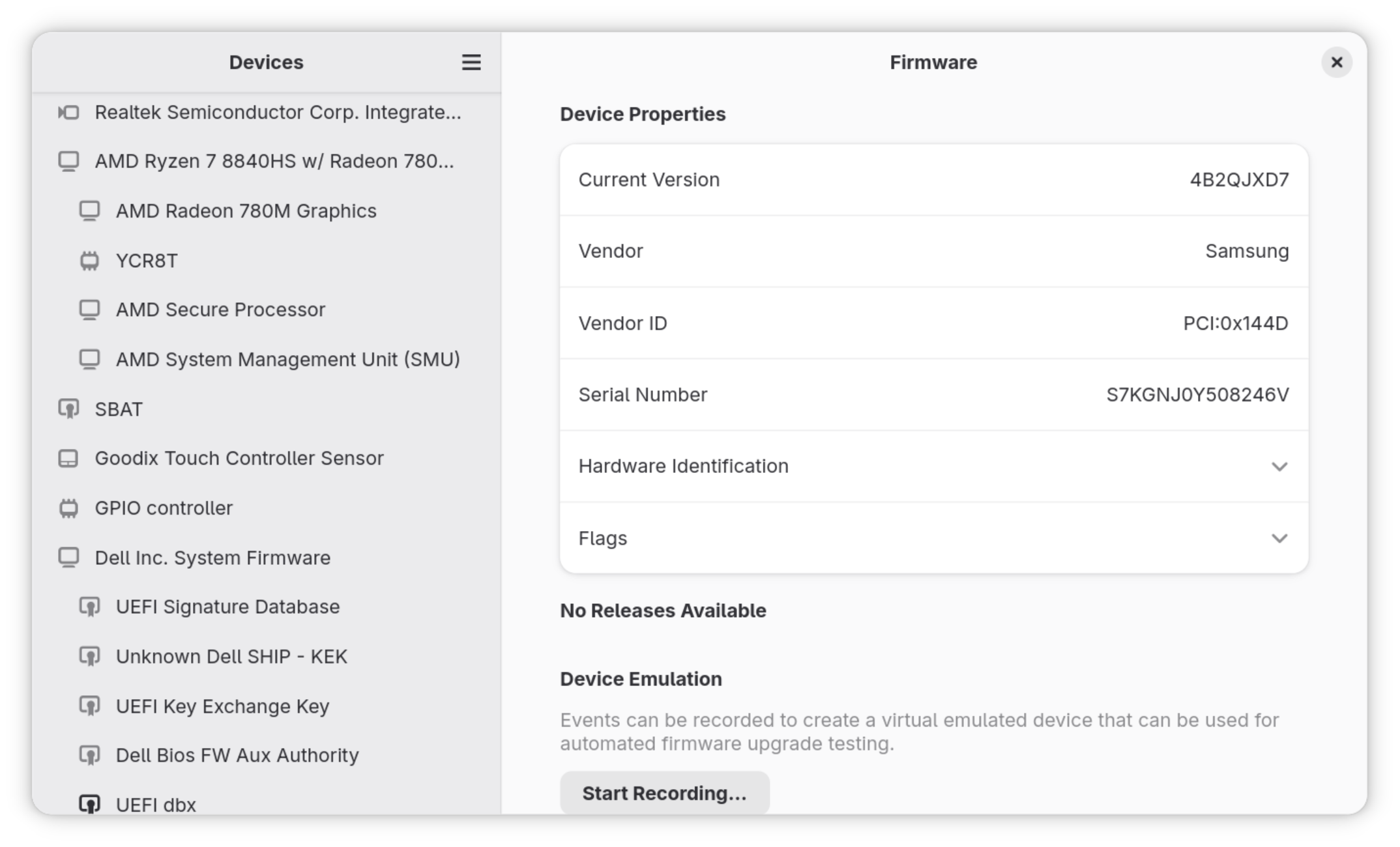
The Firmware device update tool is designed for power users and system administrators who require precise control over their hardware. Rather than relying on automated background processes that offer little visibility, this application provides a clear interface to inspect, upgrade, and even revert device software.
Key Features of the App
- Seamless Upgrades: Instantly detect and apply the latest secure releases for your connected peripherals and internal components.
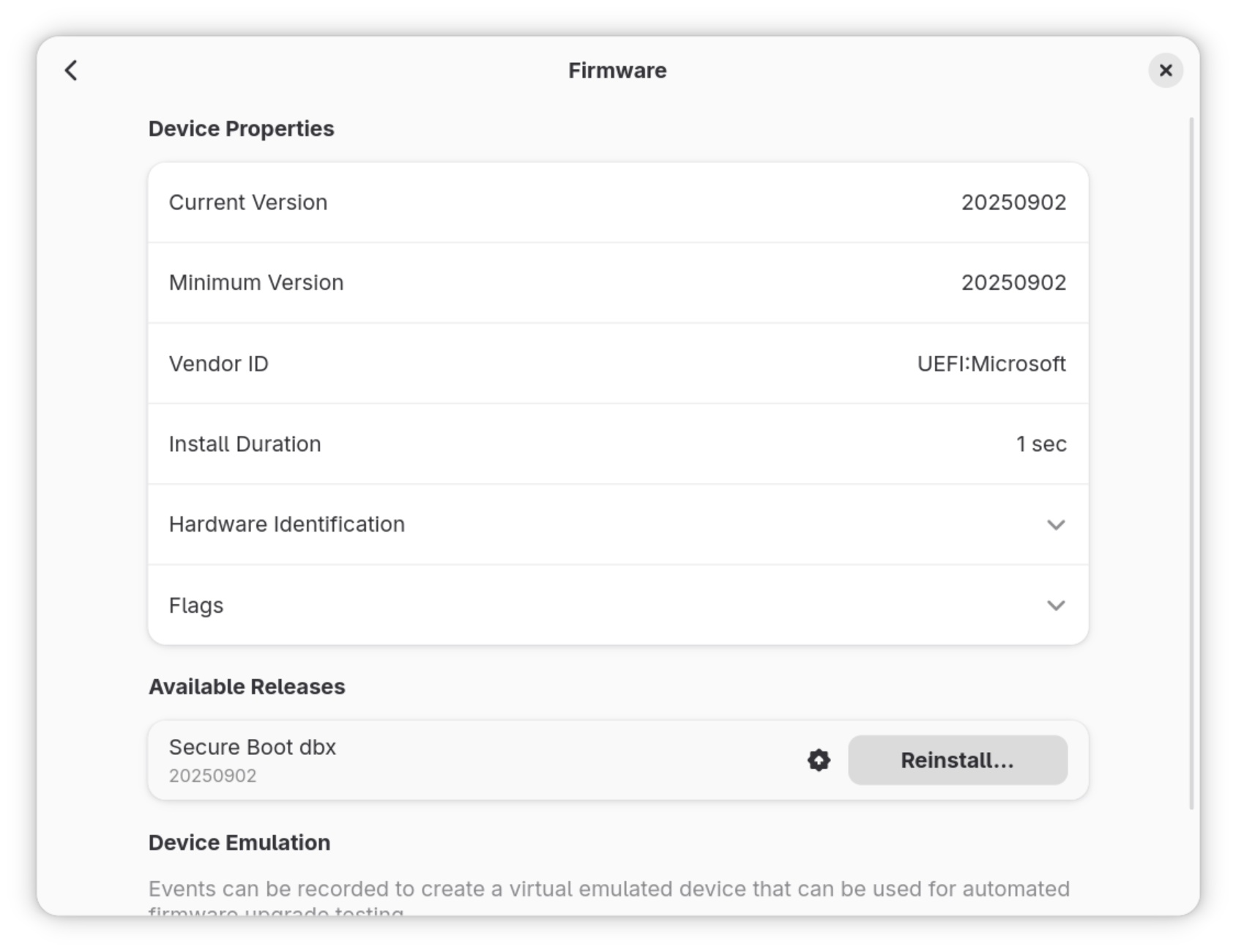
- Reinstall and Repair: Easily reinstall existing firmware versions to resolve corruption or strange hardware behavior.
- Version Downgrading: If a newly released firmware update introduces compatibility issues, you can safely roll back to a previous, stable release.
- Comprehensive Device Support: Leverages the extensive, community-verified database of the Linux Vendor Firmware Service (LVFS) via fwupd.
Who Is This Tool For?
While casual users might rely on default system settings, this application is an indispensable asset for developers, system administrators, and security-conscious Linux users. If you need to verify the cryptographic integrity of your hardware's software or quickly troubleshoot a malfunctioning USB-C hub, this utility offers the granular control you need without forcing you into the terminal.
Take Control of Your Linux Hardware
Maintaining secure and stable hardware shouldn't be a chore. With the Firmware device update tool, you gain a transparent, reliable, and user-friendly gateway to manage your system's lowest-level code safely. To explore this utility further and integrate it into your system management workflow, visit the official Flathub store page to get started.