
Document Viewer Review: The Ultimate GNOME PDF Reader
Read our expert review of the Document Viewer PDF reader for Linux. Discover how this lightweight tool simplifies document management and annotation.
The Challenge of Handling Scattered Document Formats on Linux
Whether you are managing quarterly financial statements, studying technical blueprints, or reviewing digital invoices, dealing with mismatched file formats can disrupt your daily workflow. Swapping between heavy, slow applications just to open a PDF, a TIFF scan, or a postscript file is a common frustration for desktop users. The Document Viewer PDF reader by The GNOME Project offers a streamlined, lightweight solution designed to bring order to your local library of digital files.
What is the Document Viewer PDF Reader?
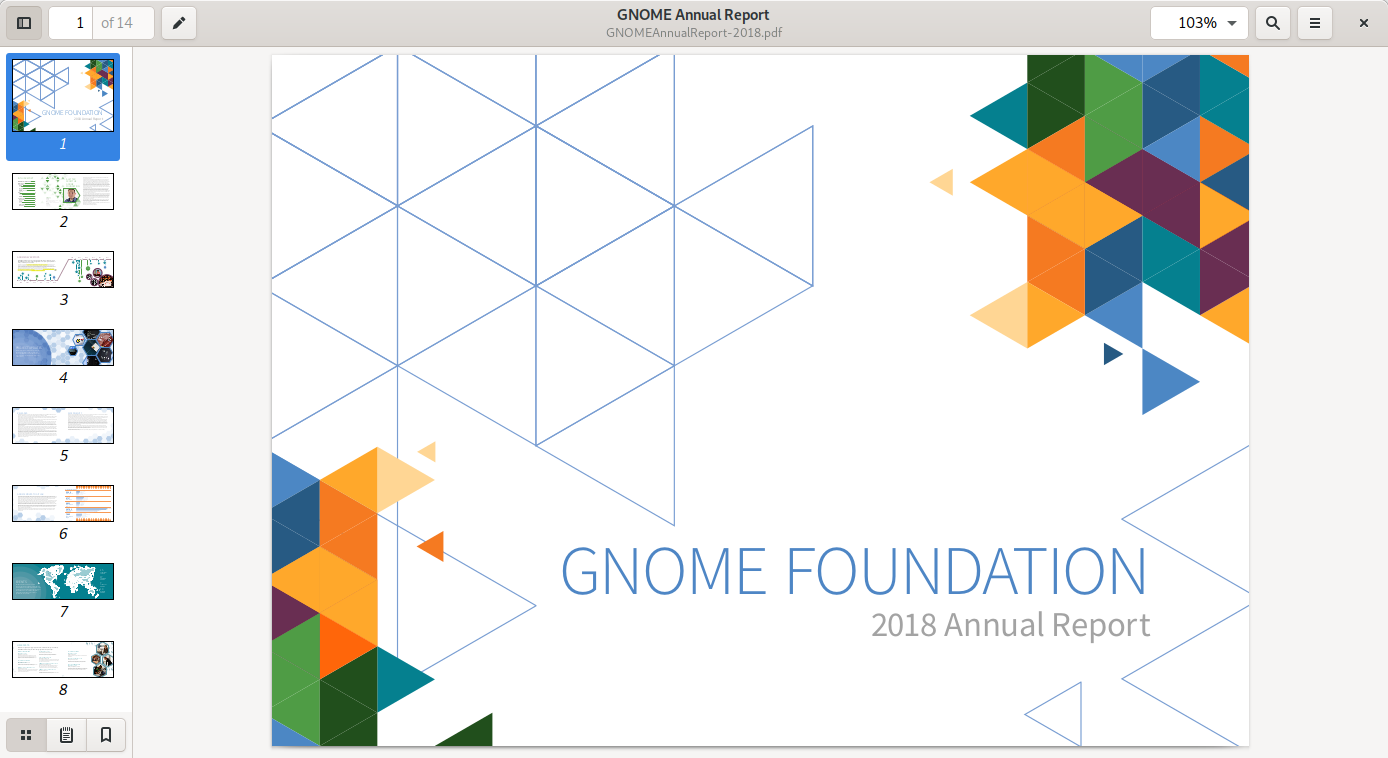
Developed as a core utility for the GNOME desktop workspace, the Document Viewer PDF reader (commonly known as Evince) is a highly optimized, minimalist application built to display multi-format documents quickly and cleanly. Instead of cluttering your Linux operating system with separate programs for different file types, this single utility acts as a universal hub for your reading and editing needs.
Supported Formats at a Glance
- Standard Documents: PDF, XPS, and DjVu
- Technical & Scientific Layouts: PS (PostScript), EPS, DVI (with SyncTeX support), and TIFF
- Digital Media Archives: Comic Book archives including CBR, CBT, CBZ, and CB7
Key Features and Everyday Usability
The strength of the Document Viewer PDF reader lies in its distraction-free interface, which prioritizes content over complex menus. However, beneath its simple exterior is a highly capable engine that supports essential productivity tasks:
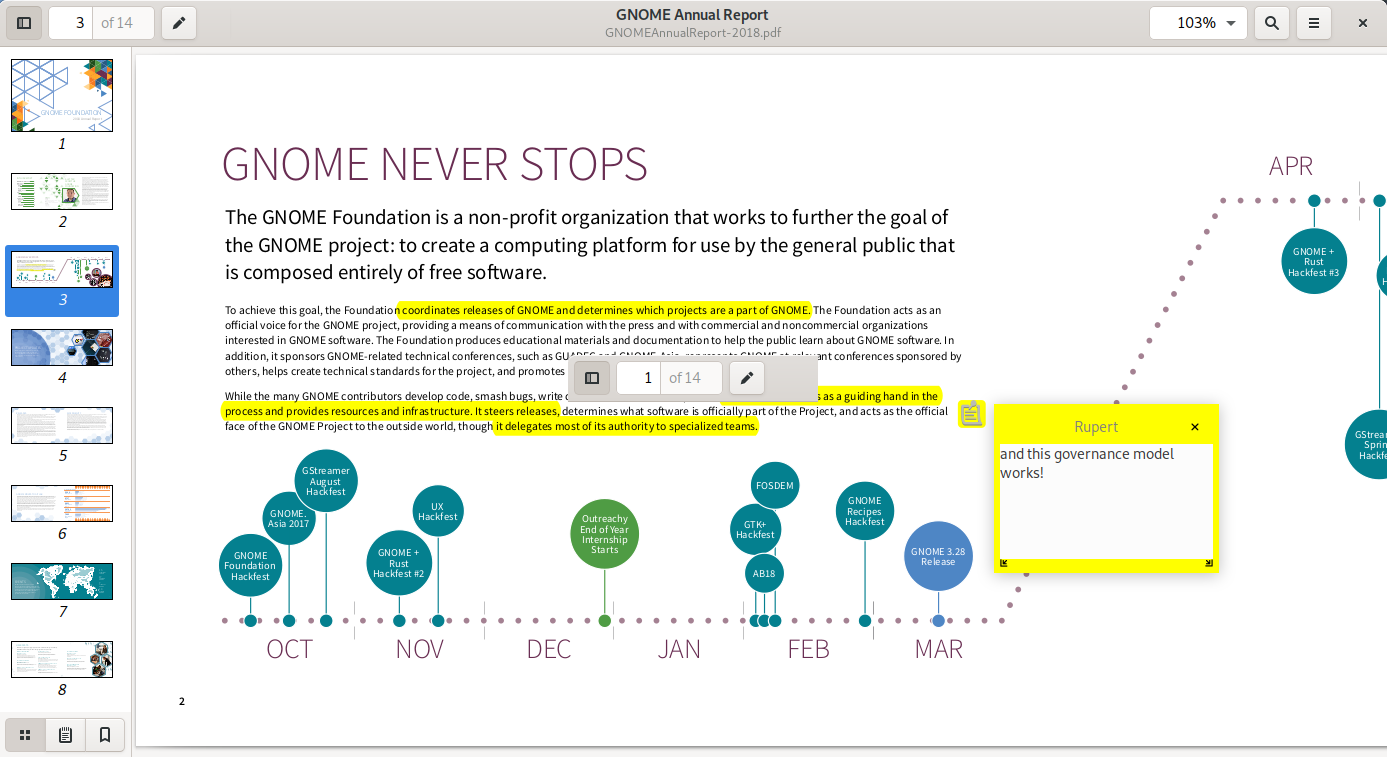
- Interactive Annotations: Easily highlight critical text segments, add notes, and leave feedback directly on your PDF files without needing premium editing software.
- Advanced Search Functionality: Locate specific terms, financial figures, or phrases instantly with an integrated indexing search bar that highlights matches across the entire document.
- Resource Efficiency: Unlike resource-heavy alternatives, this tool loads large files rapidly, making it perfect for systems where performance and speed are paramount.
Is This the Right Utility for You?
If you prioritize a clean interface, fast loading times, and native Linux integration, this application is an indispensable addition to your system. It is especially useful for professionals who frequently handle digital documentation, reports, and technical archives. To explore this tool further or to add it to your Linux setup, visit the official Flathub store page today.